





Glow Naturally with Jenny's Glow Botanics

The new method for Samsung FRP bypass in 2025 provides an efficient and effective way to bypass FRP on your Samsung device. By following the step-by-step guide outlined in this article, you can regain access to your device without needing to enter your Google account credentials. Remember to always use caution when attempting to bypass FRP, as it may void your device's warranty.

This is strictly for professionals. It requires disassembly, risks permanent hardware damage, and often voids the warranty. However, for Exynos devices like the S22 Ultra running Android 15, it may be the only viable path.

If you have forgotten your Google account password or purchased a secondhand phone with an active lock, this comprehensive guide covers the working methods for 2025 across various Samsung Android versions. Understanding Samsung FRP in 2025

As we move through 2025, Samsung has doubled down on security with and the newly released One UI 7 (based on Android 15). Older bypass methods—like using the TalkBack button combo, Activity Launcher, or outdated dialer codes—have been patched.

The core steps are as follows:

Draw an (swipe right, then up) on the screen to trigger the voice command permission box.

Odin is Samsung’s official firmware flashing tool, and when combined with a specially modified FRP reset firmware file, it can effectively wipe the FRP partition and remove the Google account lock. In 2025, dedicated FRP reset firmware files are still available for many Samsung models, particularly older ones and some newer MediaTek‑based devices.

Samsung, however, takes this protection a step further by integrating FRP with , its enterprise‑grade security platform. Knox isn’t just software—it includes hardware‑level protections built into the phone’s chipset. This means the device constantly monitors the system’s integrity and detects any tampering attempts, such as unauthorized resets or firmware changes. Samsung’s FRP doesn’t just check software states; it also reads hardware flags, making bypass attempts significantly more difficult than on standard Android devices.

: A popular strategy for devices on Android 15 or 16 involves downgrading the firmware to Android 14 (provided the binary version matches). Once downgraded, users can perform a reset that may clear existing Google credentials before re-upgrading.

: Once the assistant pops up, turn off TalkBack using the same volume shortcut, then say "Open YouTube" or "Open Chrome" .

Turn on the device, connect to Wi-Fi, and stop at the Google Verification screen.

[Locked Samsung Phone] <---> [USB Cable] <---> [PC Running FRP Software] Requirements: A Windows PC or laptop. An original Samsung USB data cable. A stable internet connection.

If your device has been updated to the latest security patch level where ADB exploits are entirely patched, a serves as the primary alternative solution.

: Connect a second, unlocked phone to the locked Samsung device using a cable or wireless transfer. Send a clean Google Account from the second device over to the locked phone.
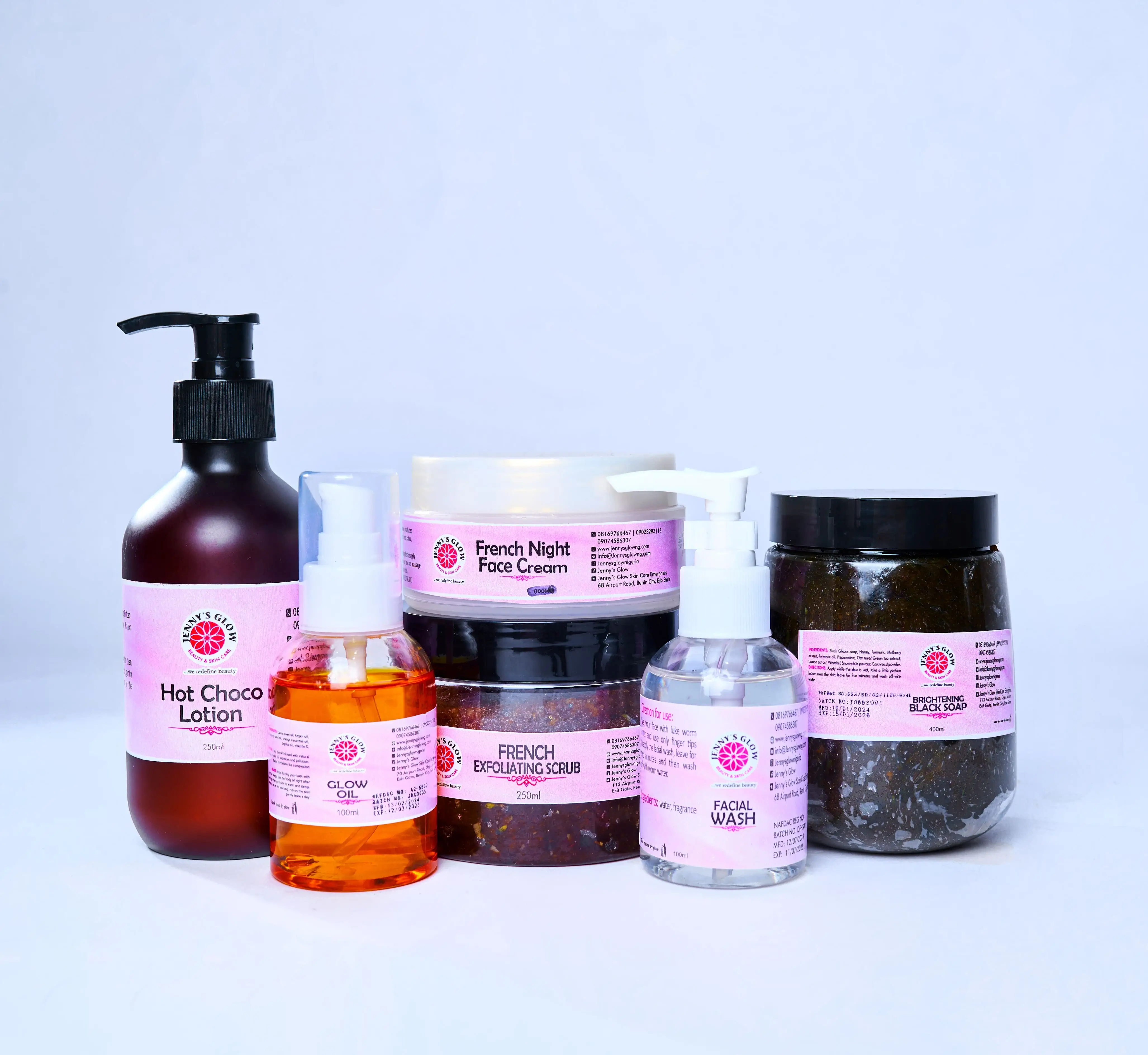
Product Categories

We’ve simplified your options - shop by category

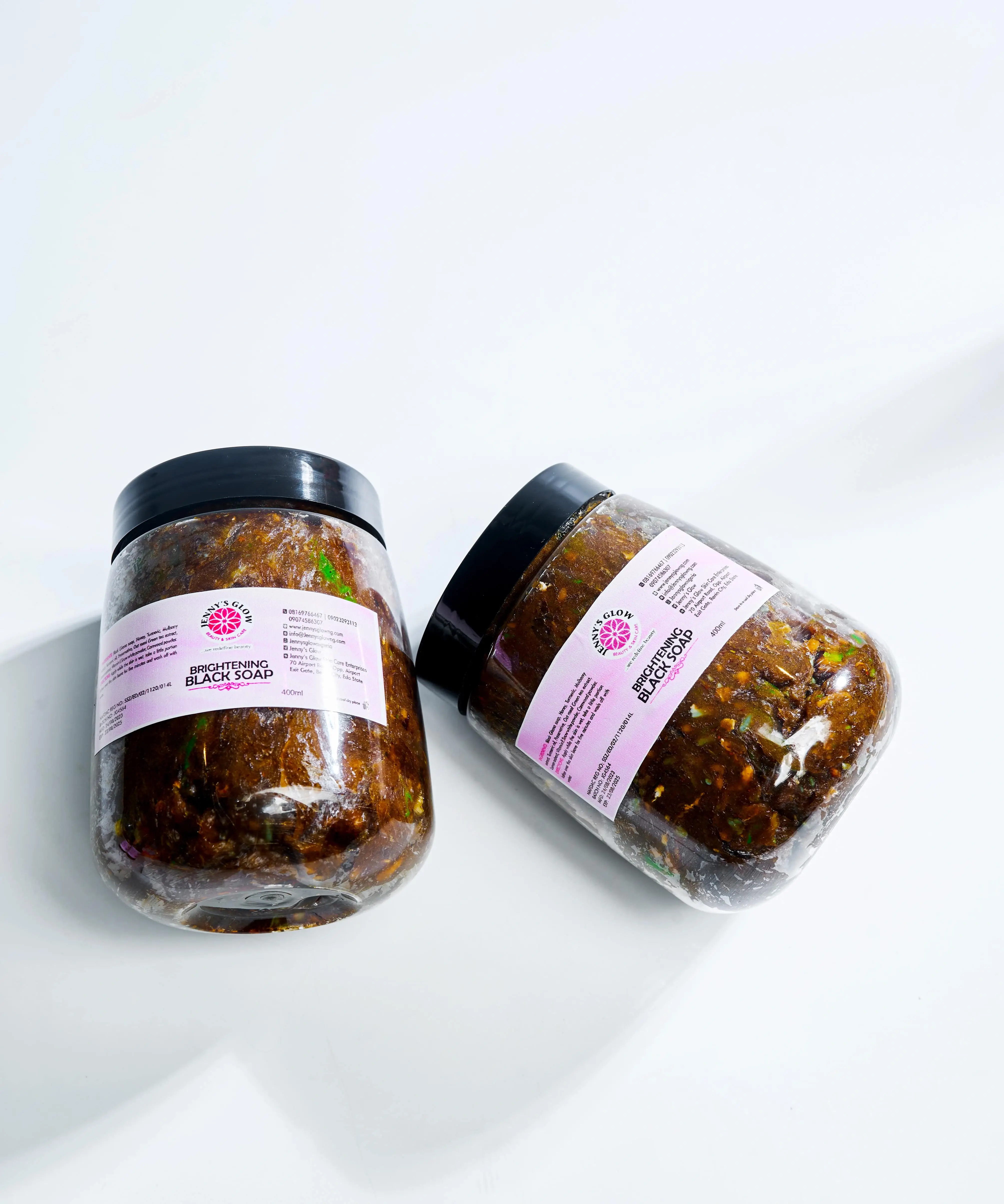
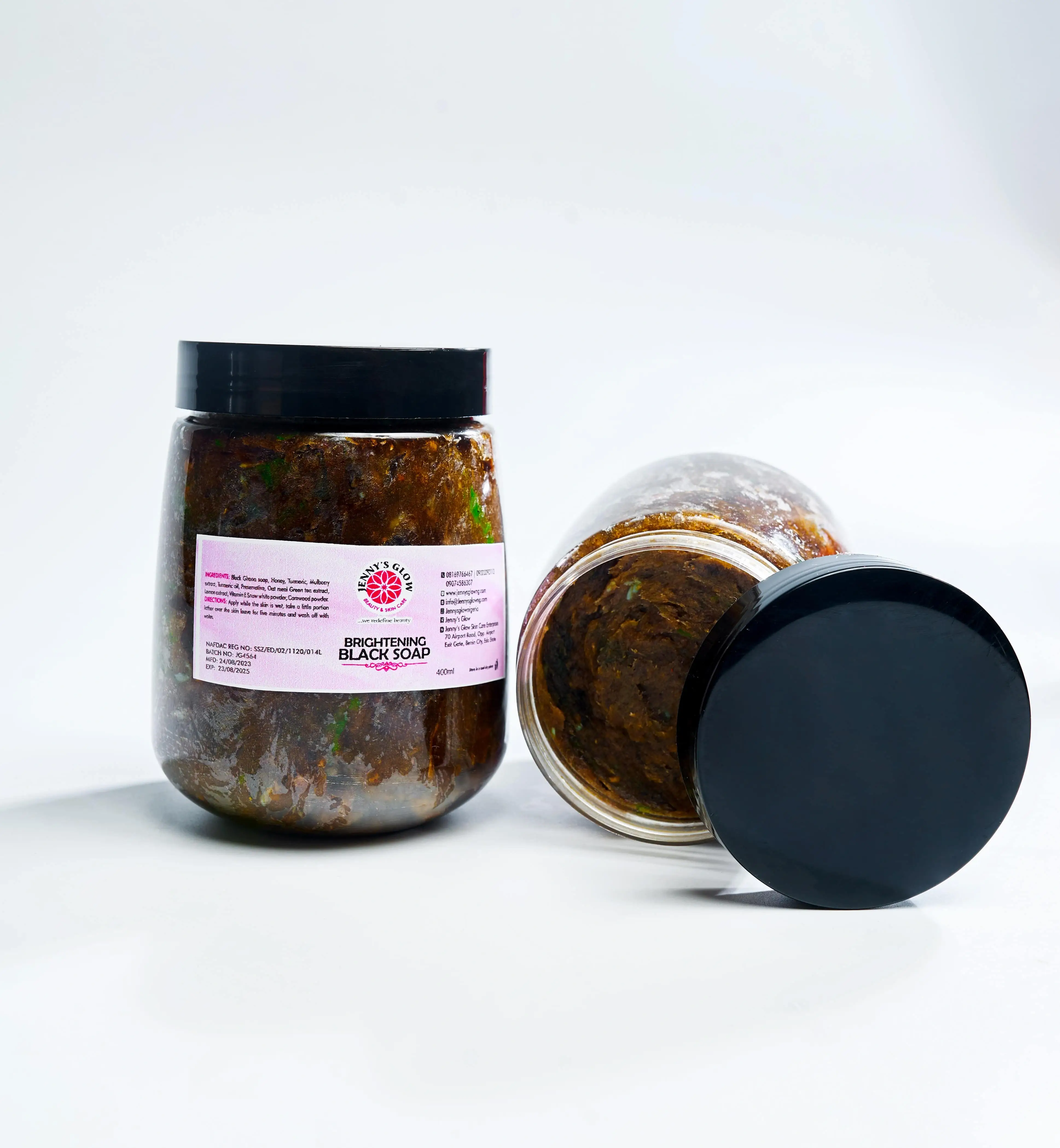
Black Soap

Black Soap

Sets

Sets

Face Gel

Face Gel

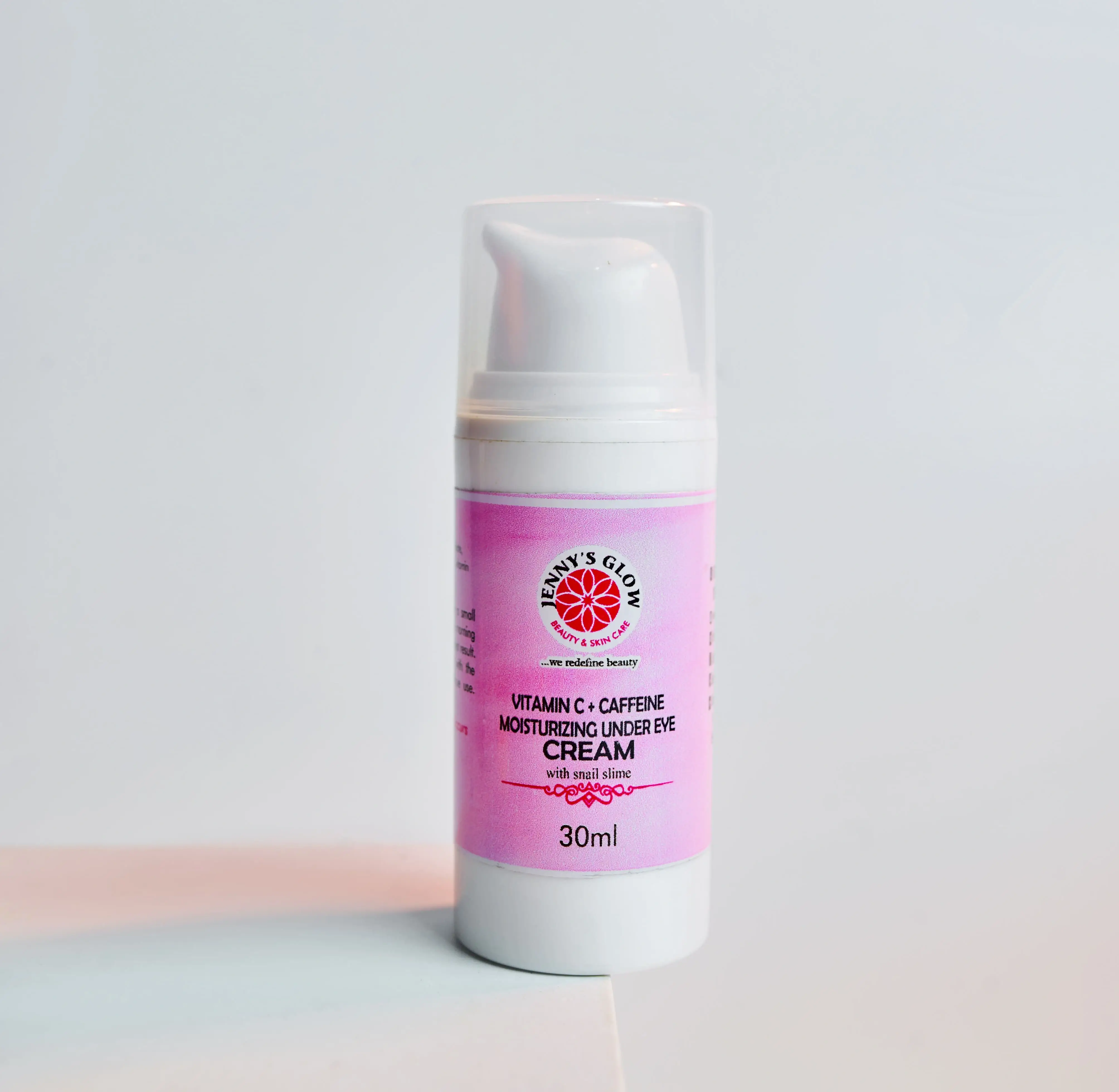
Under Eye

Under Eye

Face Cream

Face Cream

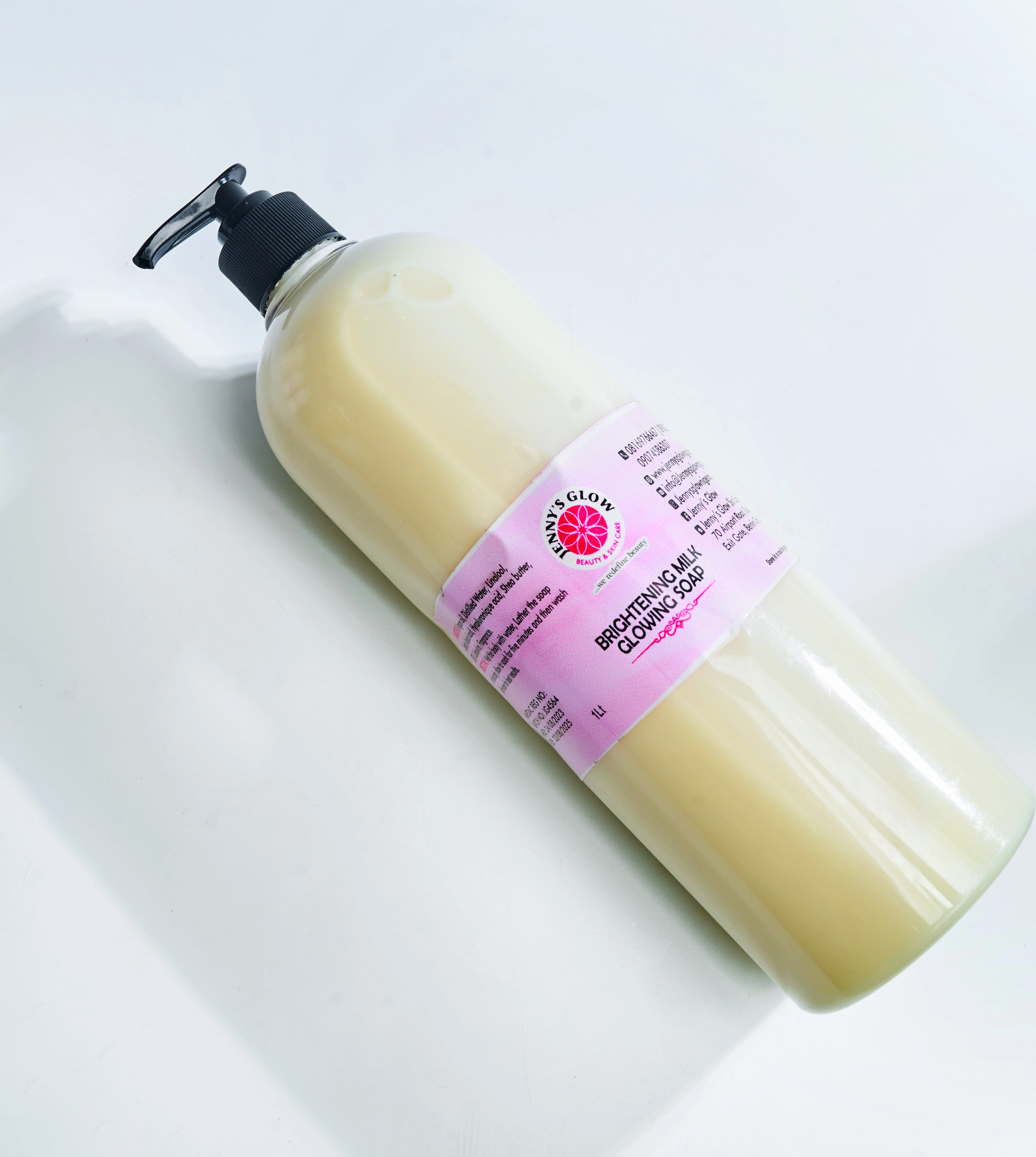
Body Washes & Soap

Body Washes & Soap

Body Scrub

Body Scrub

Body Oil

Body Oil

Body Butter

Body Butter

Body Lotion & Cup Cream

Body Lotion & Cup Cream

Face & Body Treatment

Face & Body Treatment

Face Serums

Face Serums

Face Toners

Face Toners

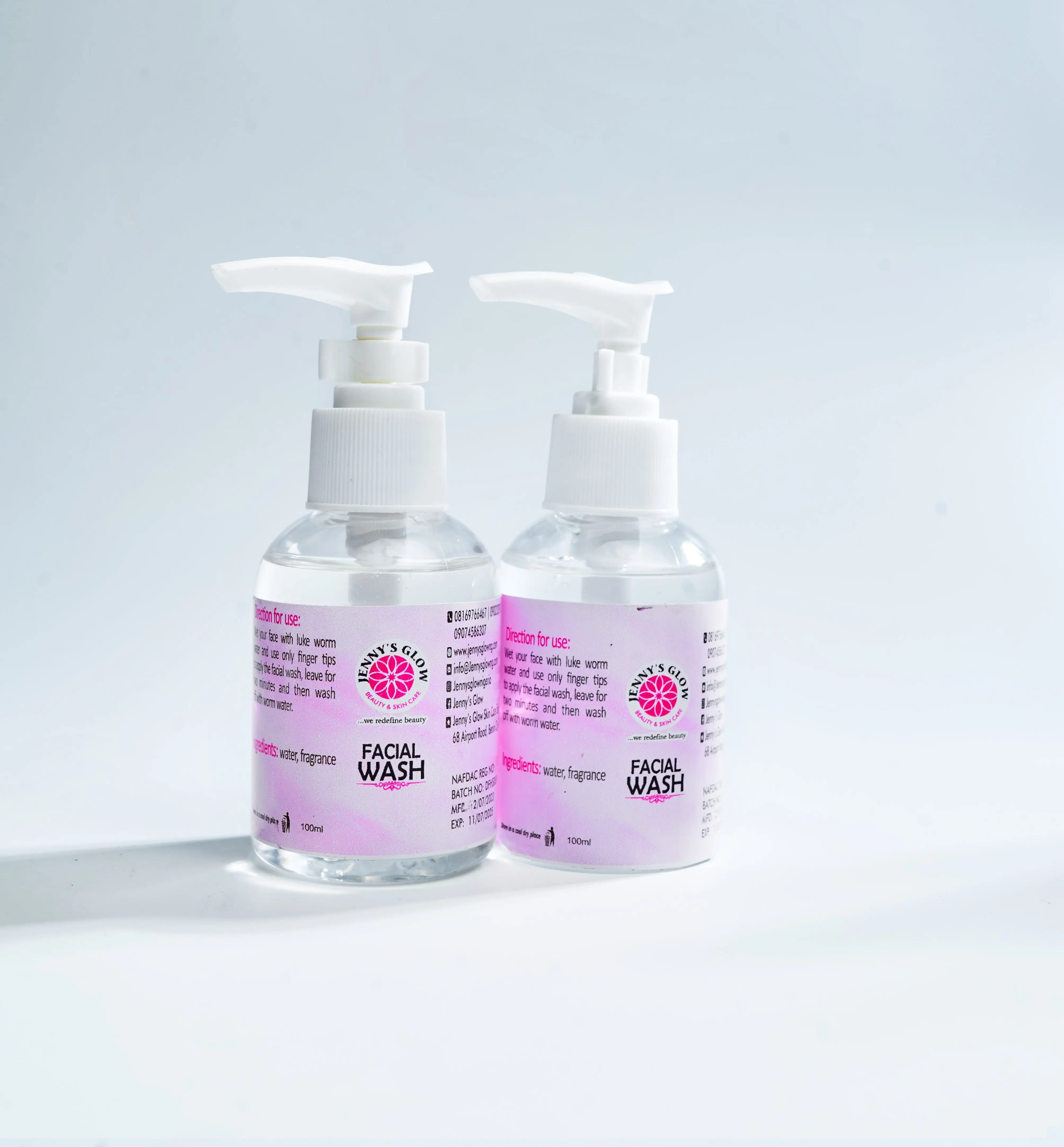
Facial Wash

Facial Wash

Visit shop

Samsung FRP Bypass New Method 2025 -

Best Selling

Your skin deserves the best care at a price that won't break the bank.

Samsung Frp Bypass New Method 2025 - Updated Info

The new method for Samsung FRP bypass in 2025 provides an efficient and effective way to bypass FRP on your Samsung device. By following the step-by-step guide outlined in this article, you can regain access to your device without needing to enter your Google account credentials. Remember to always use caution when attempting to bypass FRP, as it may void your device's warranty.

This is strictly for professionals. It requires disassembly, risks permanent hardware damage, and often voids the warranty. However, for Exynos devices like the S22 Ultra running Android 15, it may be the only viable path.

If you have forgotten your Google account password or purchased a secondhand phone with an active lock, this comprehensive guide covers the working methods for 2025 across various Samsung Android versions. Understanding Samsung FRP in 2025

As we move through 2025, Samsung has doubled down on security with and the newly released One UI 7 (based on Android 15). Older bypass methods—like using the TalkBack button combo, Activity Launcher, or outdated dialer codes—have been patched. Samsung FRP Bypass New Method 2025 -

The core steps are as follows:

Draw an (swipe right, then up) on the screen to trigger the voice command permission box.

Odin is Samsung’s official firmware flashing tool, and when combined with a specially modified FRP reset firmware file, it can effectively wipe the FRP partition and remove the Google account lock. In 2025, dedicated FRP reset firmware files are still available for many Samsung models, particularly older ones and some newer MediaTek‑based devices. The new method for Samsung FRP bypass in

Samsung, however, takes this protection a step further by integrating FRP with , its enterprise‑grade security platform. Knox isn’t just software—it includes hardware‑level protections built into the phone’s chipset. This means the device constantly monitors the system’s integrity and detects any tampering attempts, such as unauthorized resets or firmware changes. Samsung’s FRP doesn’t just check software states; it also reads hardware flags, making bypass attempts significantly more difficult than on standard Android devices.

: A popular strategy for devices on Android 15 or 16 involves downgrading the firmware to Android 14 (provided the binary version matches). Once downgraded, users can perform a reset that may clear existing Google credentials before re-upgrading.

: Once the assistant pops up, turn off TalkBack using the same volume shortcut, then say "Open YouTube" or "Open Chrome" . This is strictly for professionals

Turn on the device, connect to Wi-Fi, and stop at the Google Verification screen.

[Locked Samsung Phone] <---> [USB Cable] <---> [PC Running FRP Software] Requirements: A Windows PC or laptop. An original Samsung USB data cable. A stable internet connection.

If your device has been updated to the latest security patch level where ADB exploits are entirely patched, a serves as the primary alternative solution.

: Connect a second, unlocked phone to the locked Samsung device using a cable or wireless transfer. Send a clean Google Account from the second device over to the locked phone.

Samsung FRP Bypass New Method 2025 -

Our Products

Premium Quality

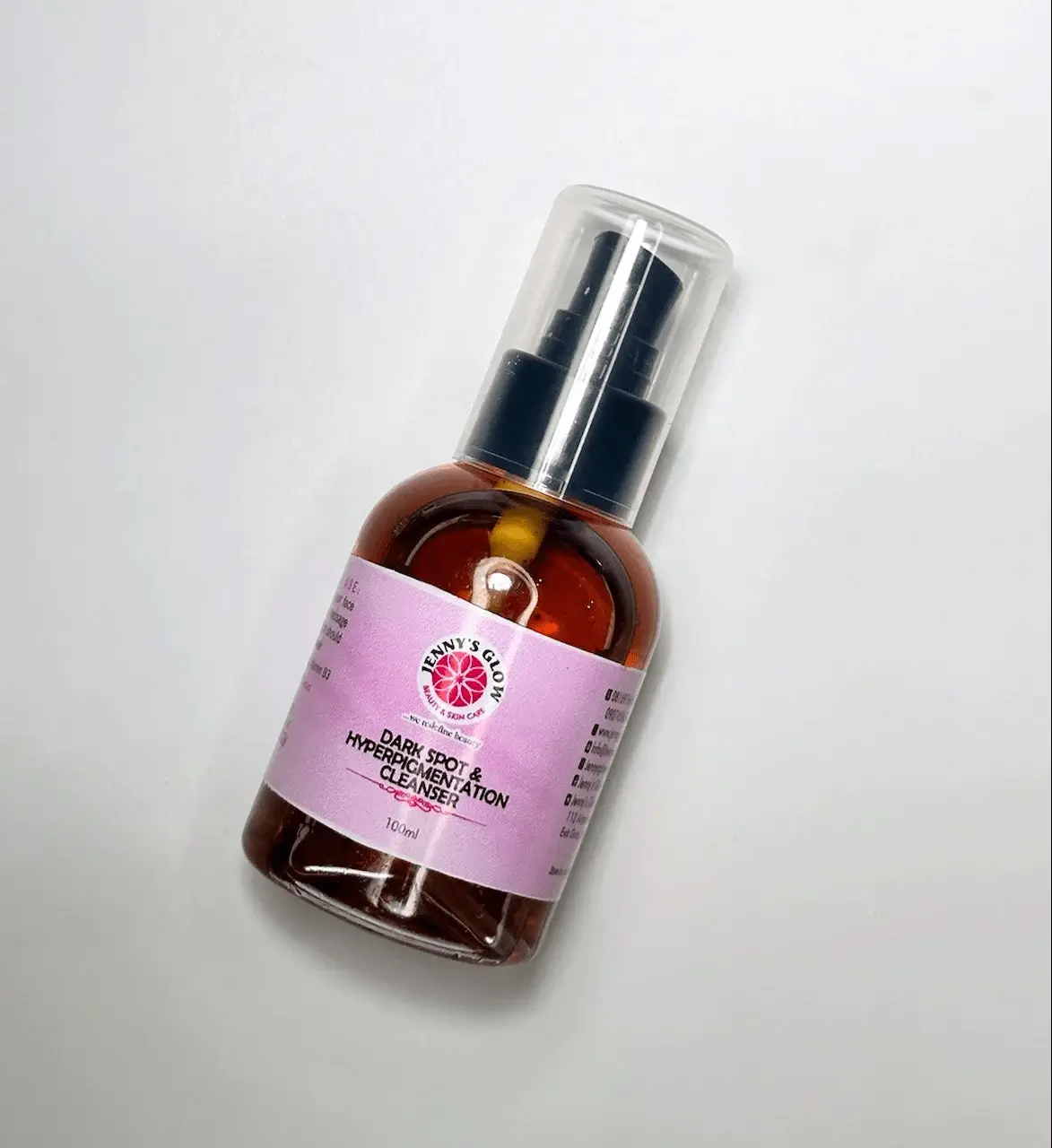
Dark Spot Solutions

Target stubborn acne marks and fade dark spots with our powerful spot-correcting treatments!

Dark Spot Solutions skincare collection

Premium Quality

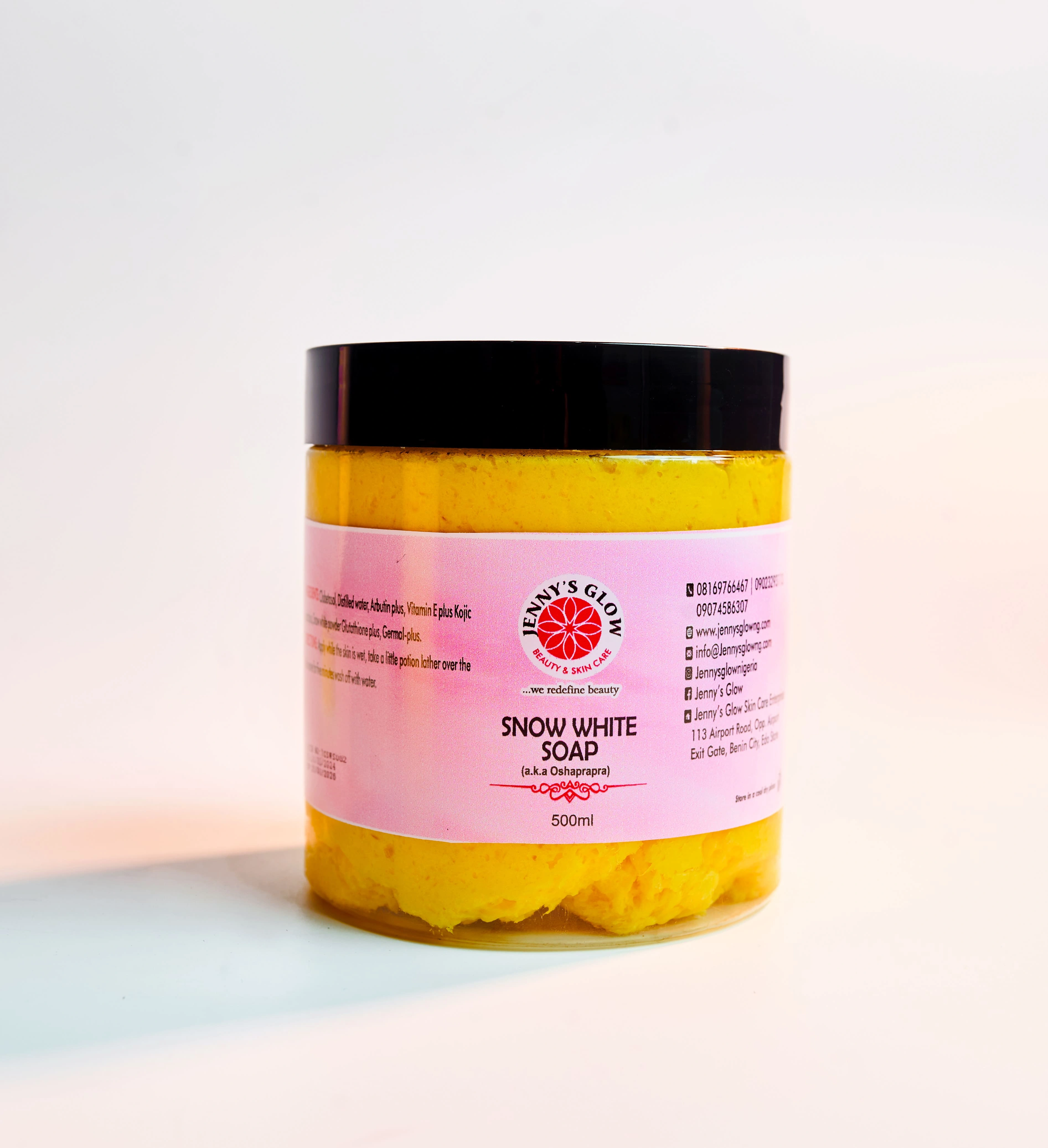
Jenny’s Whitening Set

Achieve a brighter, more even skin tone with our gentle yet effective brightening and toning skincare collection!

Jenny’s Whitening Set skincare collection

Customer Reviews

Samsung FRP Bypass New Method 2025 -

Ezekiel Adesanya

Lagos

Hi Jenny's Glow, just want to say a big `wow` to your product (Baby lotion) which my princess has been making use of... It's so fucking lit! Confirmed, you're the best

Hero Image
leftright

Our customers are at the heart of everything we do. Here’s what they’re saying about their glow journey!

Our Partners

These Brands Believe in Our Glow!

Paystack logoUBA bank logoZenith bank logoFidelity bank logoGTBank logoDHL logo

Subscribe to our newsletter and get updates and special offers straight to your email!

Shopping Location

© 2026 Jenny’s Glow Skin care